

01 / GENERATE
3D Model Generator
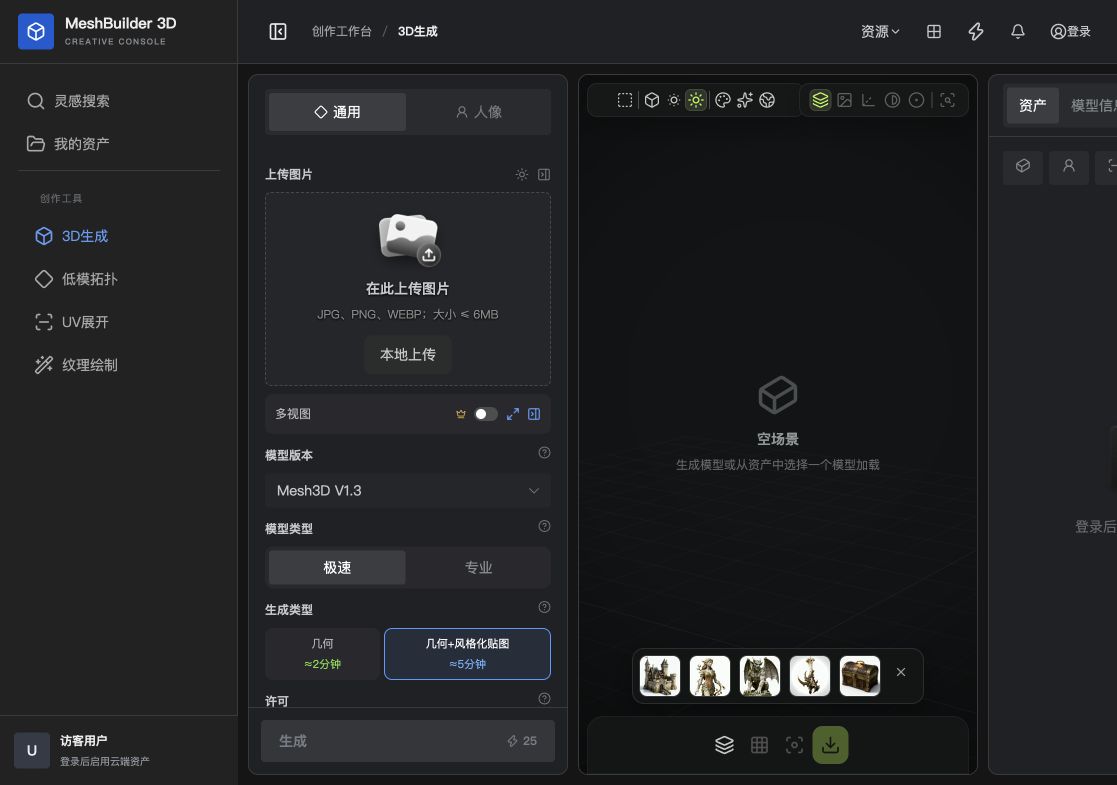
Upload one image and generate a practical 3D starting point without building a mesh from scratch.
Generate a 3D model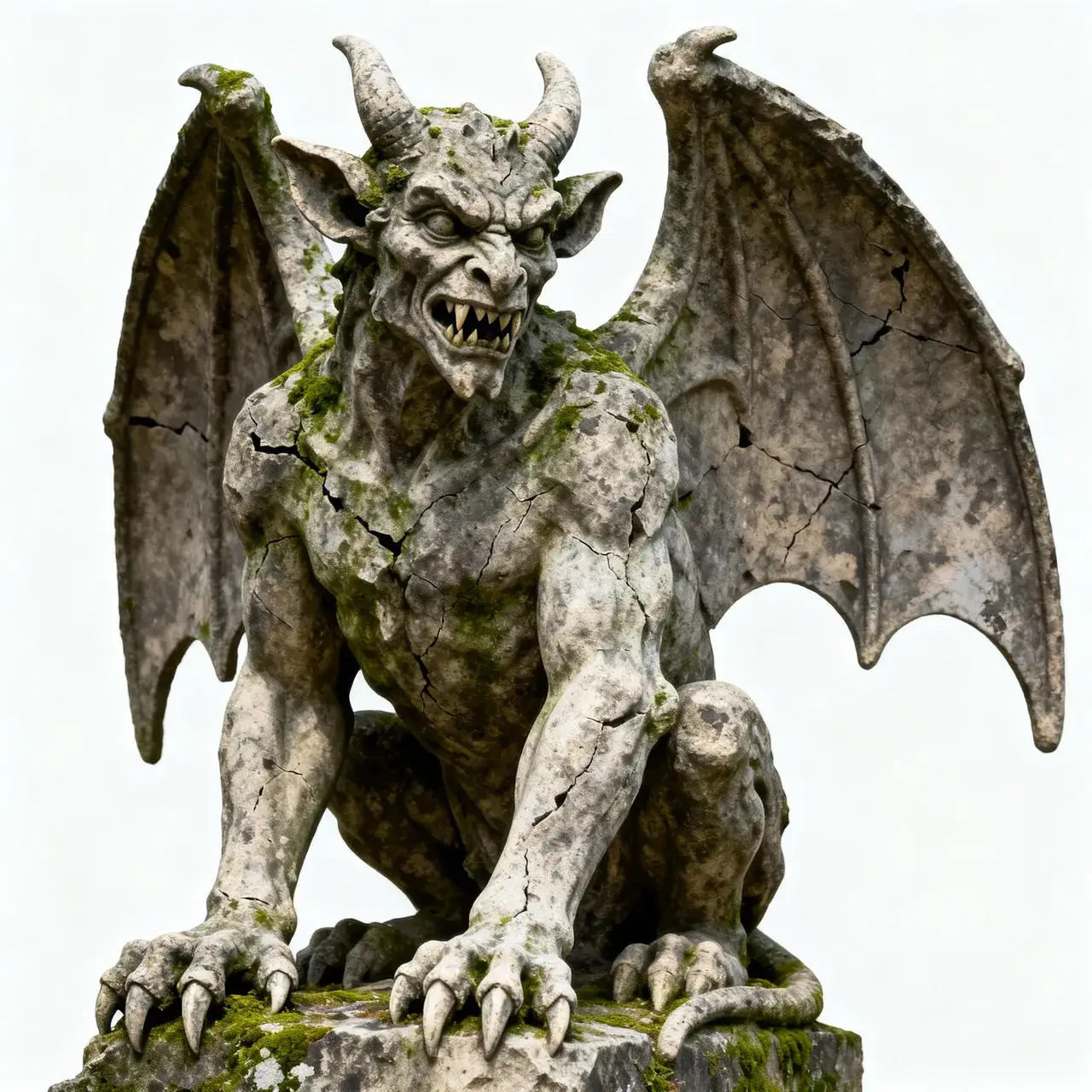

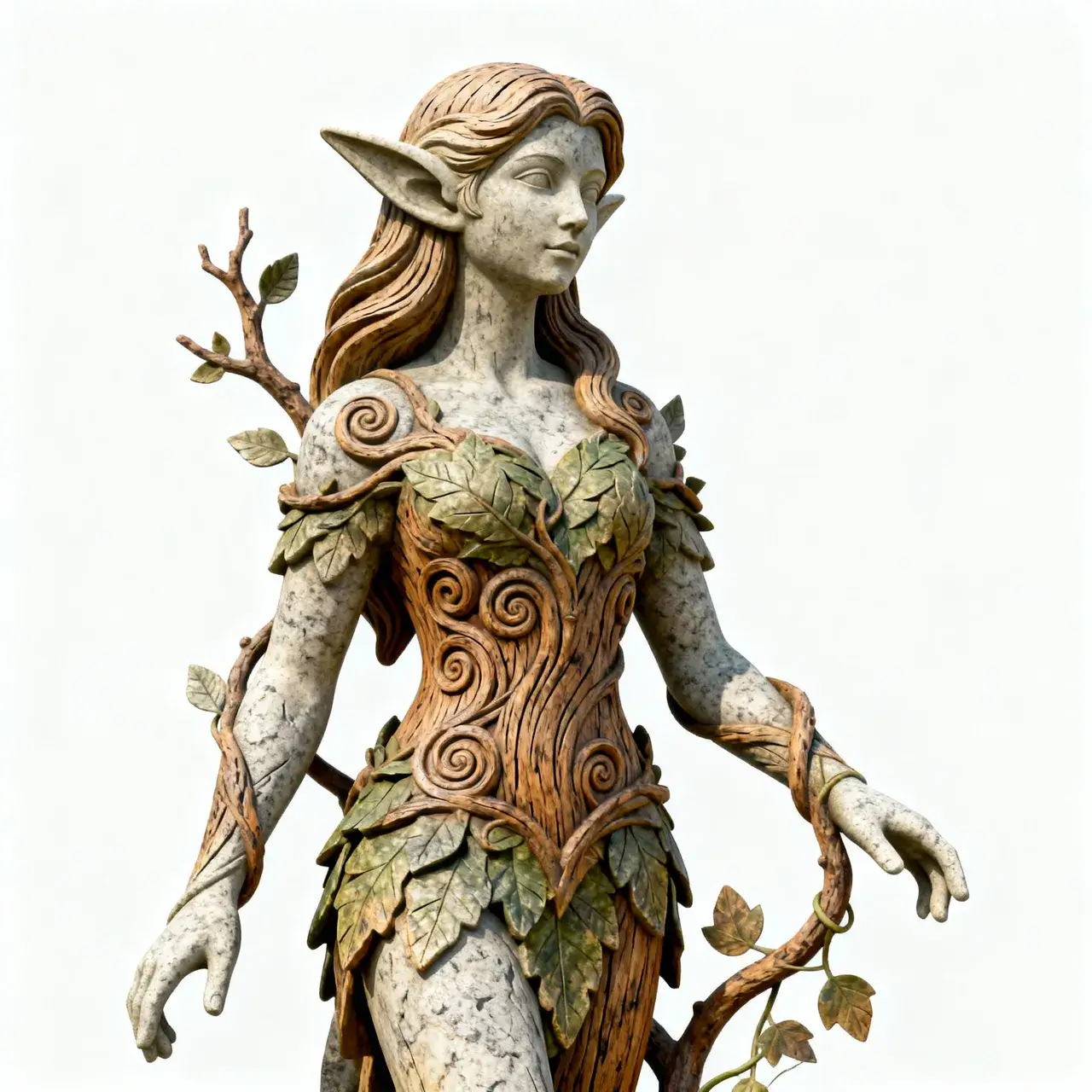
GUIDED GENERATION
A clear path from reference to mesh
Upload an image
Choose a clear JPG, PNG or WebP reference.
Generate
Select a mode and let the service construct the model.
Inspect and refine
Preview the result and continue in another 3D tool.
Before you begin
01What images work best?+
Images with a complete subject, clear silhouette and limited occlusion usually work best.
02Do I need modeling experience?+
No. Upload an image and select a generation mode to begin.
03Can I optimize the generated model?+
Yes. Continue with retopology, UV unwrapping and texturing in MeshBuilder 3D.
YOUR NEXT ASSET STARTS HERE