

 CANVAS
Import a model
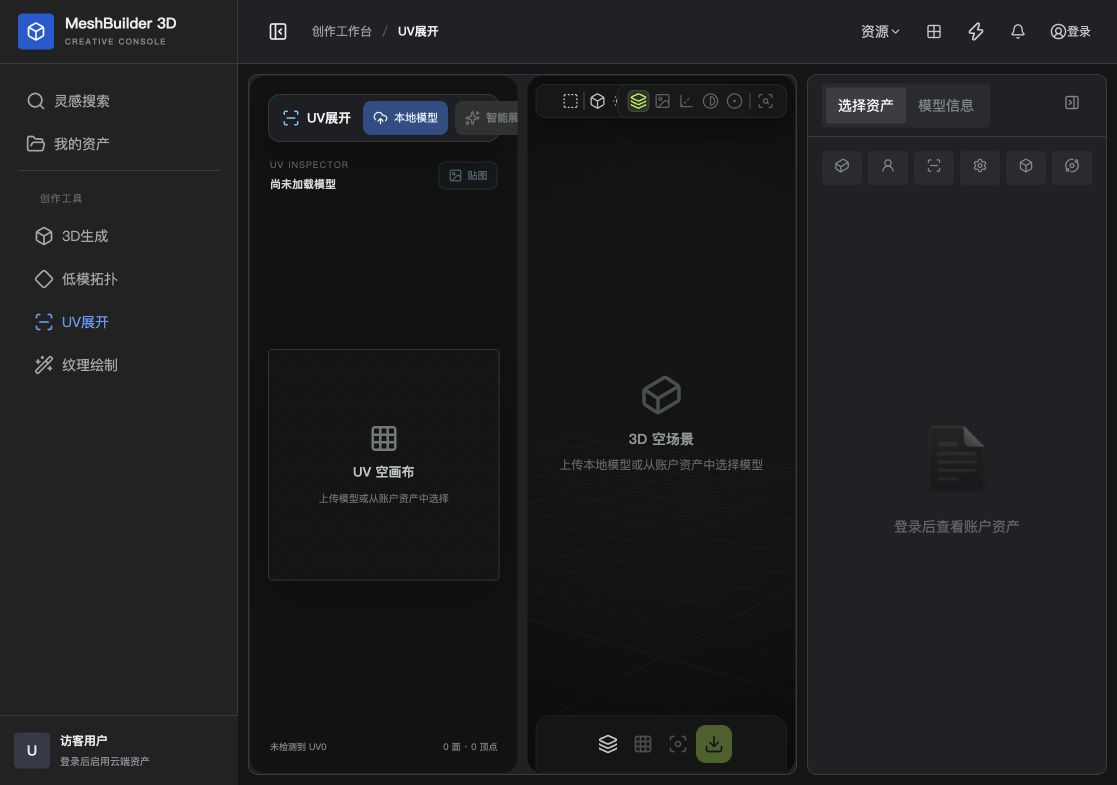
Upload a supported file or choose an account asset.
SURFACE CANVAS
THE MAP BEHIND THE MATERIAL
Upload a supported file or choose an account asset.
Let the service calculate seams and UV islands.
Review overlap, stretching, padding and space use.
UVs map a three-dimensional surface into two dimensions so image textures can be applied correctly.
Characters, products, props and game assets can all benefit from automatic UVs.
Look for overlap, stretching, inconsistent scale and insufficient space between islands.
YOUR NEXT ASSET STARTS HERE